Custom Rest Pose
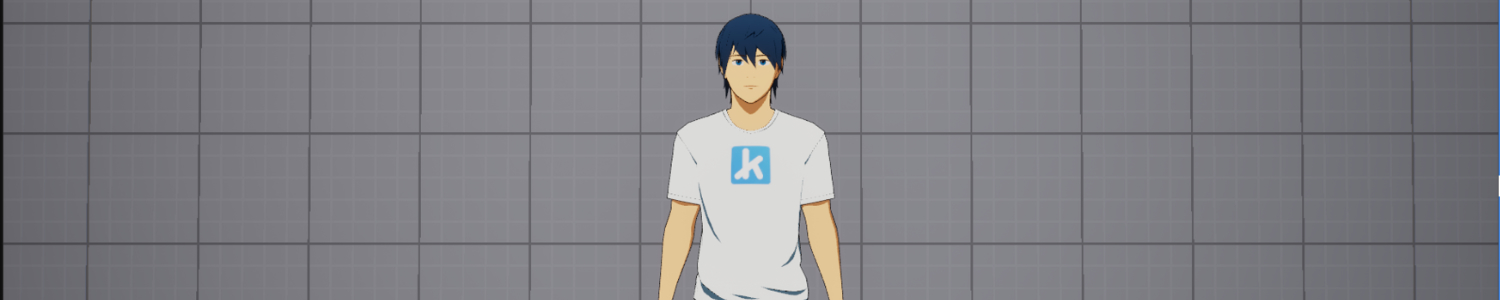
The default way kemorig poses Avatars is with Custom Rest Pose, a feature built-in to the Kemorig Tracking node.
This feature rotates arms and legs into a natural position. This gives you a simple pose out-of-the-box, and gets you started without needing any animation assets.

Auto Enabling
After creating an Avatar, by default Custom Rest Pose will be enabled in ‘Auto’ mode.
‘Auto’ mode means Custom Rest Pose will be enabled if no animation is passed into the Kemorig Tracking node, but it will be disabled if any animation is.
If you are animating your Avatar and see strange behavior with your Avatar's pose popping, you may want to force Custom Rest Pose off.
Forcing on or off
You can also force the feature on or off in the Kemorig Tracking node (see below).
If you plan on using animation assets with your Avatar, it is recommended to disable Custom Rest Pose.
Adjusting Custom Rest Pose
In your Avatar’s animation blueprint, navigate to the Anim Graph and click on the Kemorig Tracking node.
In the Custom Rest Pose category you can enable/disable it, and adjust arm and leg angles.
